useRef – React Hook
React, the JavaScript library for building user interfaces, provides a range of tools to interact with the DOM and manage component state. One such tool is the useRef Hook, which enables developers to access and interact with DOM elements directly and persist values between renders.
What is useRef?
The useRef Hook in React serves two primary purposes:
- Accessing DOM Elements: You can use
useRefto access and interact with DOM elements directly. This is particularly useful when you need to focus an input, measure an element’s dimensions, or perform other imperative operations on the DOM. - Preserving Values Between Renders:
useRefallows you to persist values across renders without causing re-renders when the value changes. This is in contrast touseState, which triggers a re-render whenever the state changes.
The Basics of useRef
To use useRef, you first need to import it from the ‘react’ library:
import React, { useRef } from 'react';Code language: JavaScript (javascript)You can create a ref object by calling useRef():
const myRef = useRef();Code language: JavaScript (javascript)The myRef object is now a reference to the DOM element or any other value you choose to store.
Accessing DOM Elements
One of the primary use cases for useRef is accessing and interacting with DOM elements. Consider this example of focusing an input element when a button is clicked:
import React, { useRef } from 'react';

function InputFocus() {
  const inputRef = useRef();

  const handleFocus = () => {
    inputRef.current.focus();
  };

  return (
    <div>
      <input ref={inputRef} type="text" />
      <button onClick={handleFocus}>Focus Input</button>
    </div>
  );
}
export default InputFocus;Code language: JavaScript (javascript)
Output :
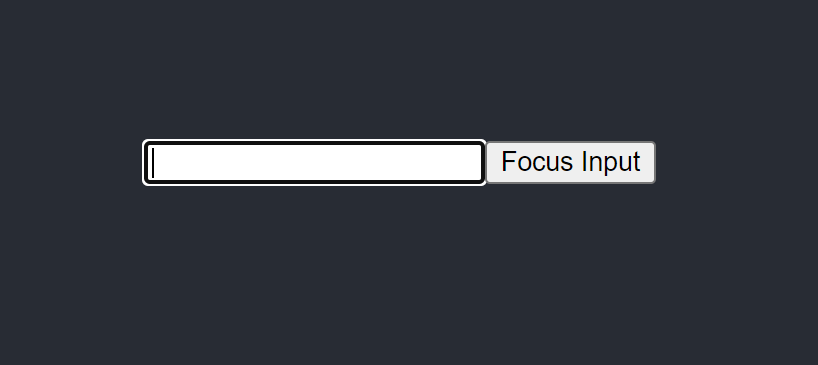
In this example, we create a ref object using useRef and attach it to the input element using the ref attribute. When the “Focus Input” button is clicked, we call inputRef.current.focus() to focus the input element. This direct interaction with the DOM is made possible by useRef.
Preserving Values Between Renders
useRef also excels at preserving values between renders. Unlike state variables, changes to a ref object do not trigger re-renders. This is valuable when you need to store a value that doesn’t affect the visual representation of your component.
Here’s an example of using useRef to keep a count of button clicks without causing re-renders:
import React, { useRef, useState } from 'react';

function ClickCounter() {
  const clickCount = useRef(0);
  const [visible, setVisible] = useState(true);

  const handleHide = () => {
    setVisible(false);
  };

  return (
    <div>
      {visible && (
        <div>
          <p>Button clicks: {clickCount.current}</p>
          <button onClick={() => (clickCount.current += 1)}>Click Me</button>
        </div>
      )}
      <button onClick={handleHide}>Hide</button>
    </div>
  );
}

export default ClickCounter;Code language: JavaScript (javascript)
Output :
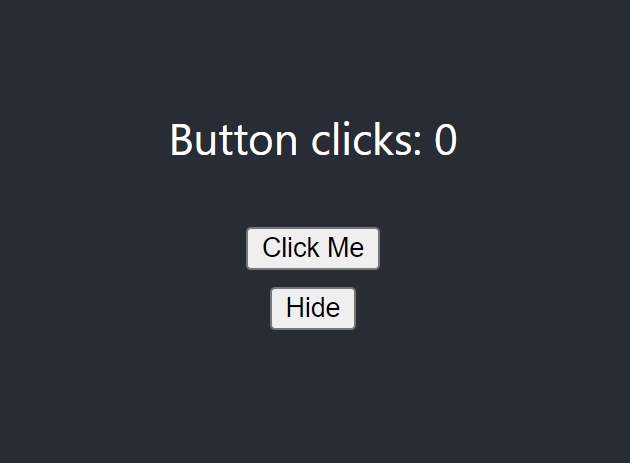
In this example, we use useRef to store the count of button clicks without causing re-renders. The clickCount value persists between renders, even when the component re-renders due to the “Hide” button click.
Practical Use Cases
useRef offers a wide range of applications in React development:
- Focusing Inputs: As demonstrated earlier, you can use
useRefto focus input fields, making it easy for users to start typing without manual clicks. - Accessing Third-Party Libraries: When integrating third-party libraries or using native APIs,
useRefprovides a clean way to interact with DOM elements or elements provided by external libraries. - Storing Previous Values: You can use
useRefto store previous values of a variable and compare them for changes in component lifecycle methods. - Animations and Transitions:
useRefis valuable when working with animations or transitions, as you can store values like the previous scroll position or dimensions to control animations smoothly.
Best Practices for useRef
To make the most of useRef, consider these best practices:
- Access DOM Elements with Caution: When accessing and modifying DOM elements, ensure you do so in a controlled and safe manner to avoid unexpected behavior.
- Avoid Mutable Updates: While
useRefallows mutable updates, it’s advisable to use it for read-only access to DOM elements and to avoid mutating values directly. - Use It for Non-Reactive State: Use
useRefwhen you need to store values that don’t impact the component’s render. For state that causes re-renders, preferuseStateoruseReducer. - Clean Up When Necessary: If your component unmounts or you no longer need the
ref, consider cleaning it up to prevent memory leaks.
Conclusion
The useRef Hook in React provides a powerful and versatile tool for accessing DOM elements, preserving values between renders, and simplifying certain imperative tasks. By understanding how to use useRef effectively and following best practices, you can enhance the interactivity and performance of your React components. Whether you’re working on user interfaces, animations, or integrating with external libraries, useRef is a valuable addition to your React development toolkit.
